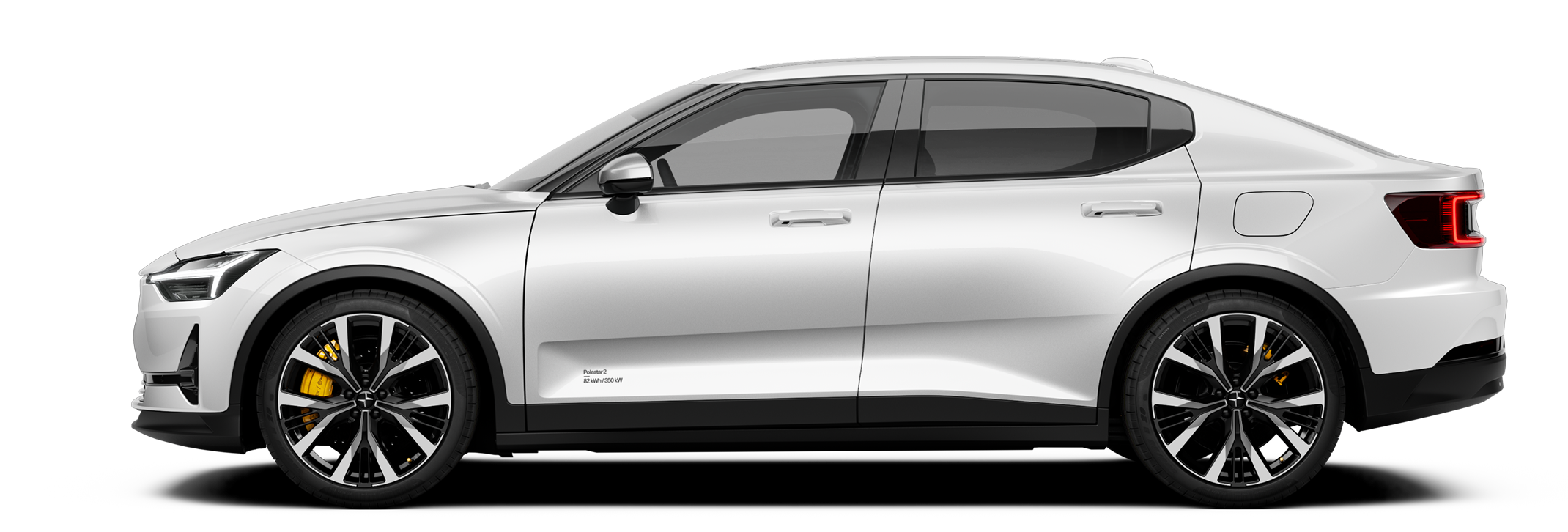
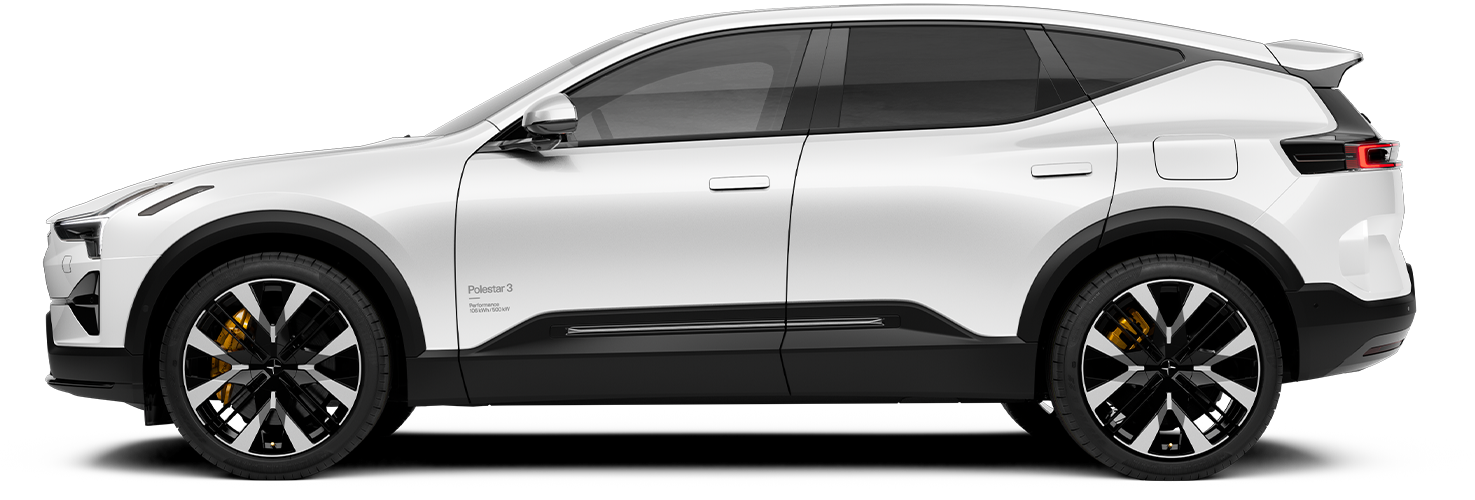
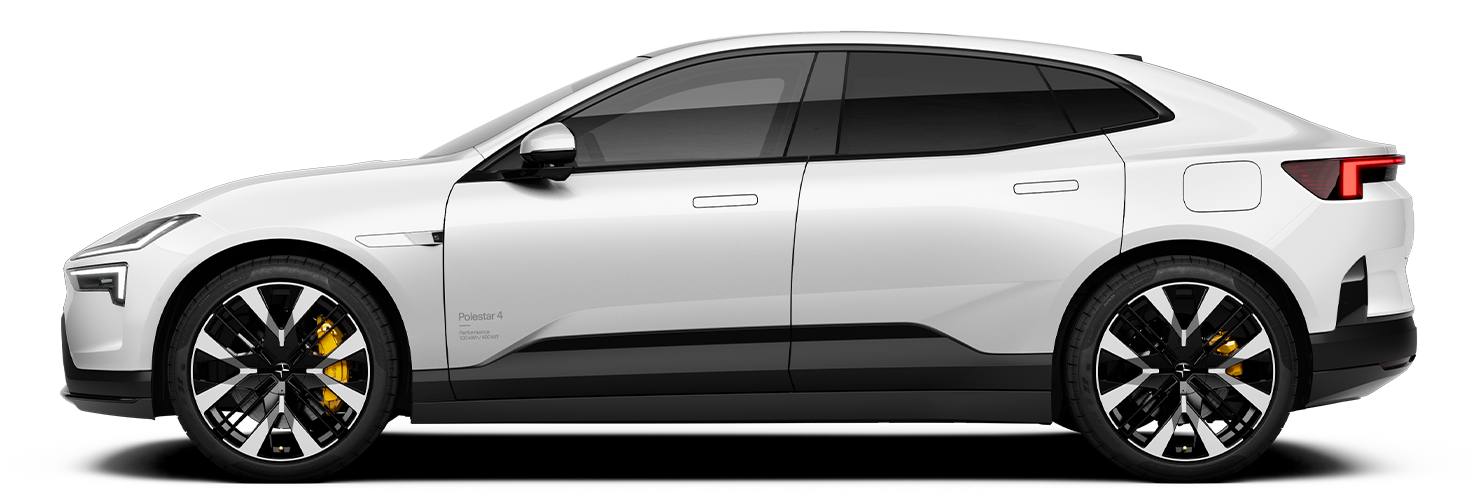
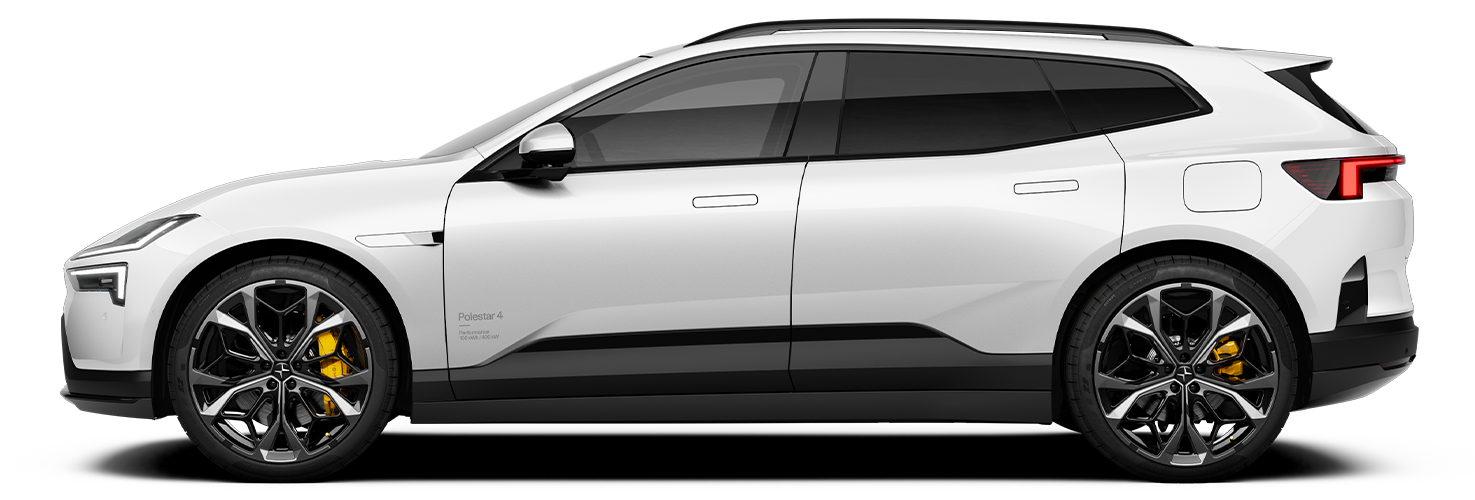
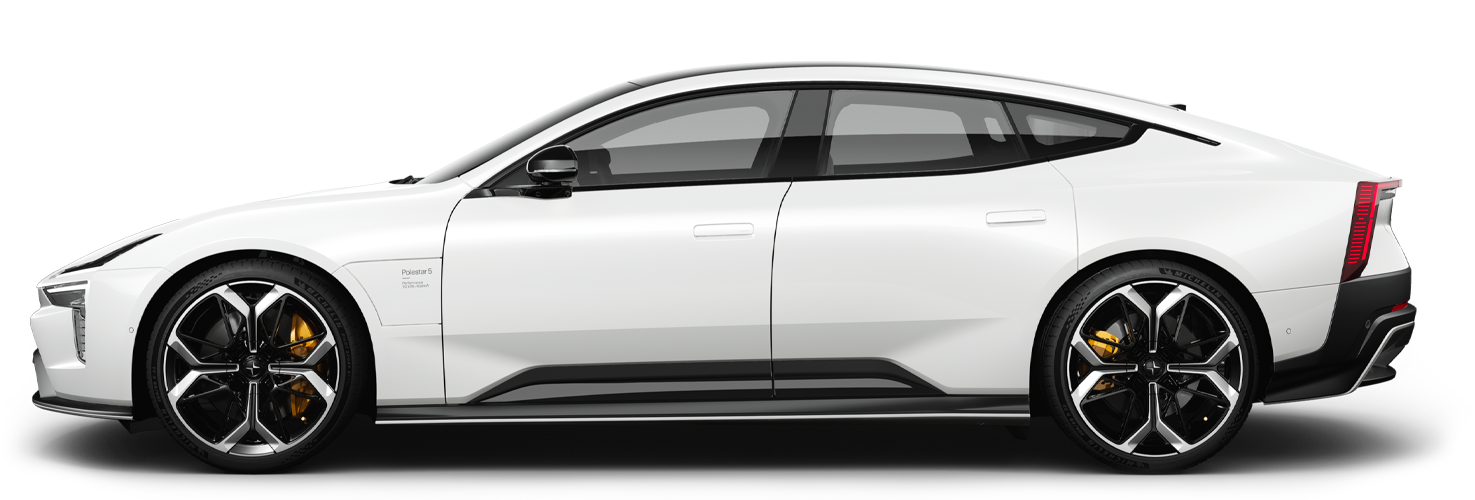
You can open and close the boot via the display or the button on the boot hatch. You can also open it hands-free using foot movement.
Warning
Be aware when the boot is opening or closing. Make sure that no persons are in the vicinity of the boot when it is in motion. Always use the boot access functions with caution.
Do not interfere with the boot's support arms, these are highly pressured and tampering with them can result in serious injury.
After use, check the centre display for indications that the boot is fully closed.
Opening the boot manually
If the car is unlocked, you can open the boot using the button in the middle of the boot hatch. You can also open the boot from inside the car via the display.
Opening and closing the boot hands-free
If you're carrying a distance-capable key, you can use the hands-free feature. Make a single kicking motion under the rear bumper and the boot will open or close automatically.
Using the boot closing button
Press the close button on the inner right side of the boot hatch to close it.
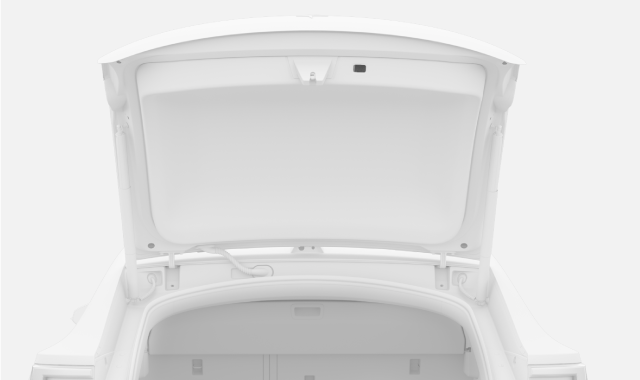

You can also use the close button to adjust how far the boot opens. This is useful if you want the boot hatch to stay within easy reach or if you are somewhere with a low ceiling, such as a garage.
Unlocking the boot
If the proximity lock setting is disabled and you're carrying a recognised distance-capable key, you can unlock the boot by touching the button on the boot hatch. This doesn't unlock the other doors and isn't affected by any door locking settings.
Locking the boot
The boot will automatically lock when you close all of the doors and lock the car as you normally would.
Note
Locking with the boot open
Locking the car with the boot open will lock all doors and set the alarm only for the closed doors. If you then close the boot hatch, it will lock and the alarm will be set for the boot.