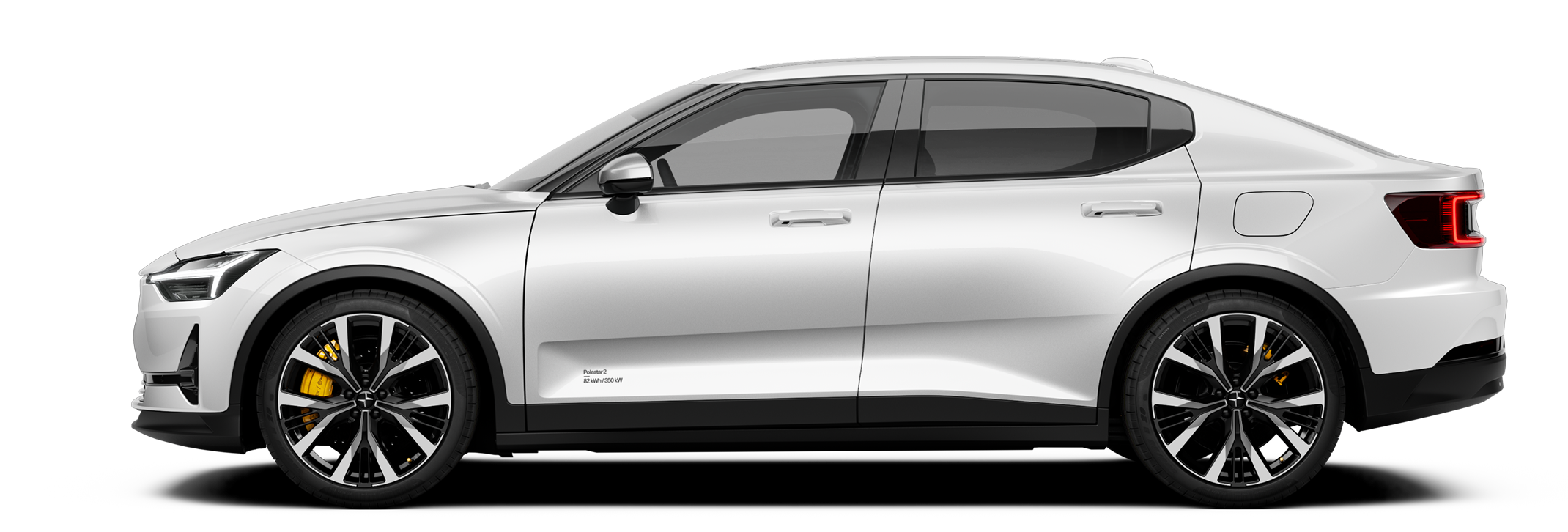
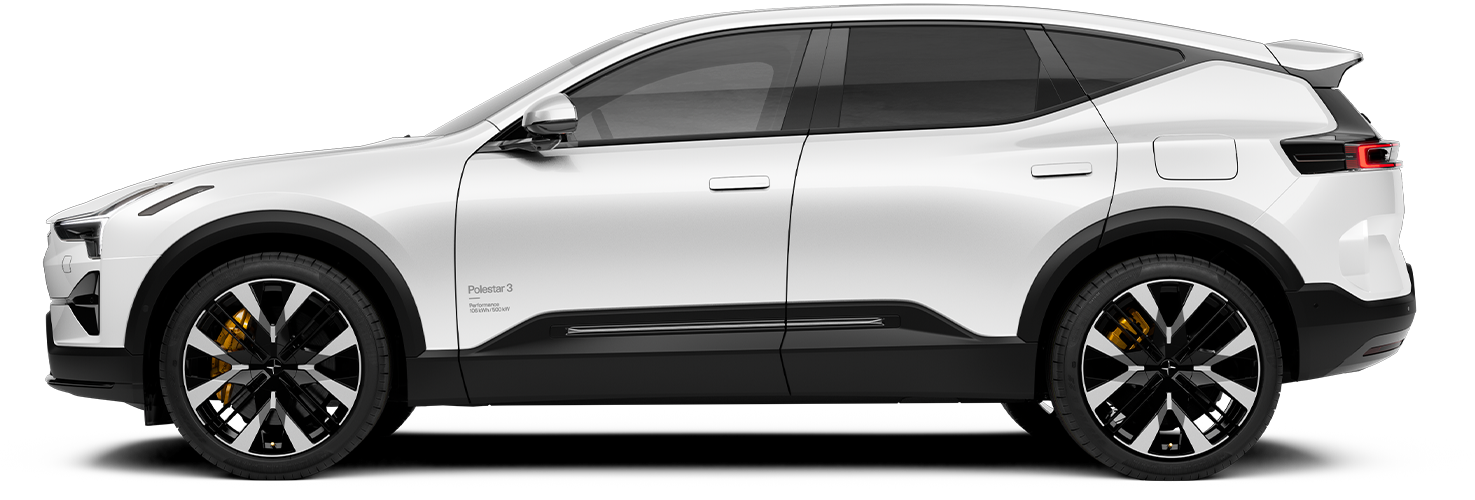
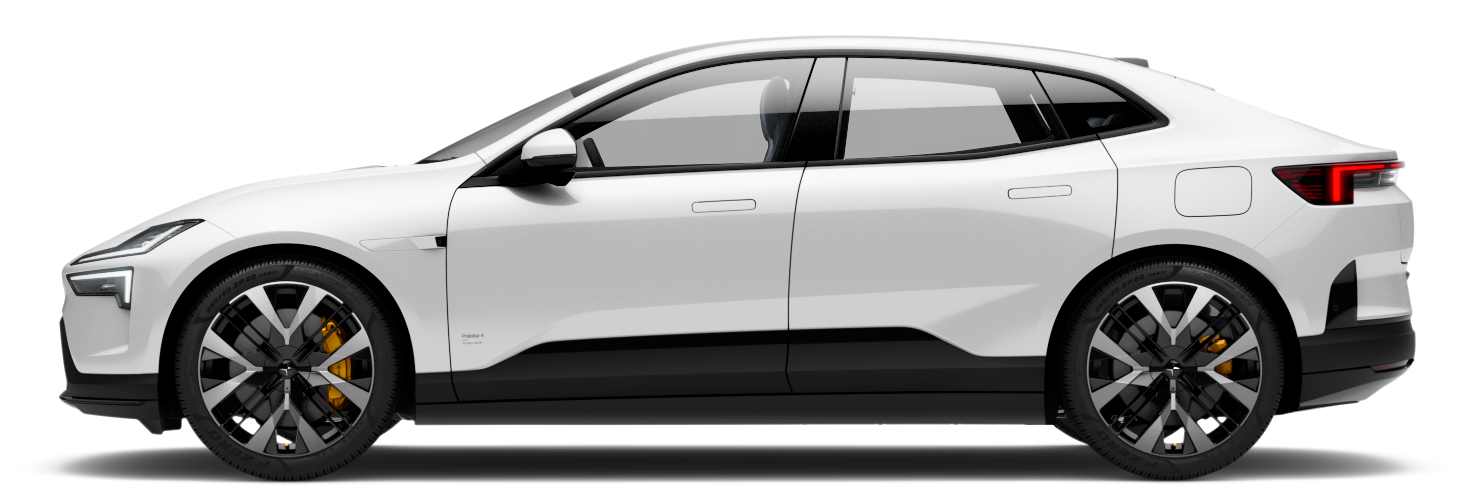
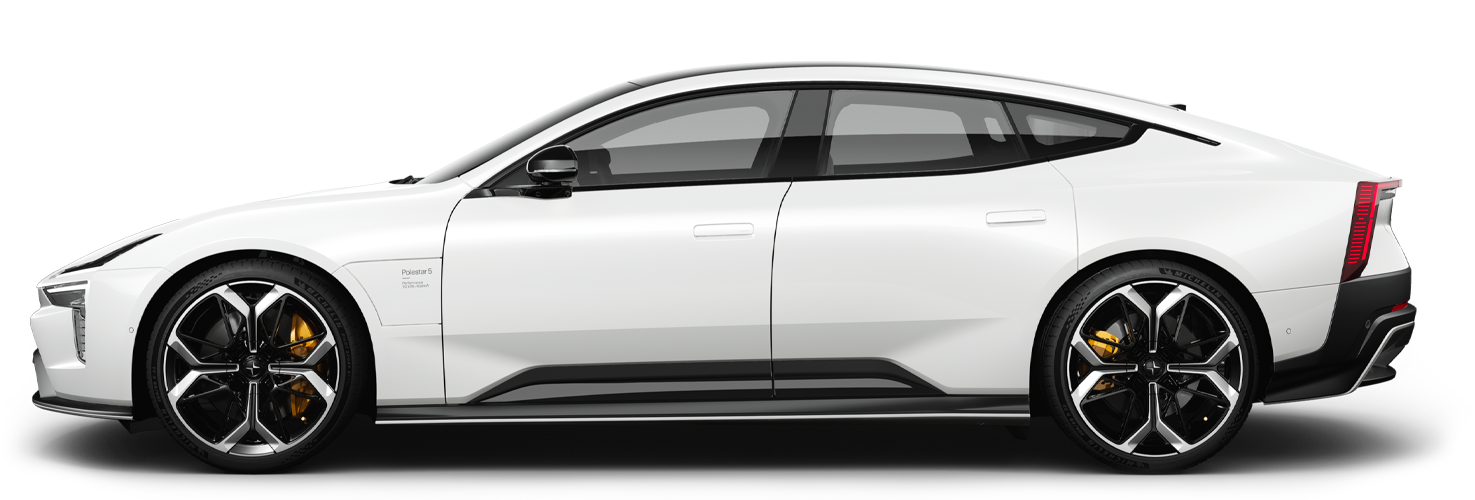
Your car has several features that help you during parking, such as guidance through camera and sensor views. Learn how to use the different types of assistance.
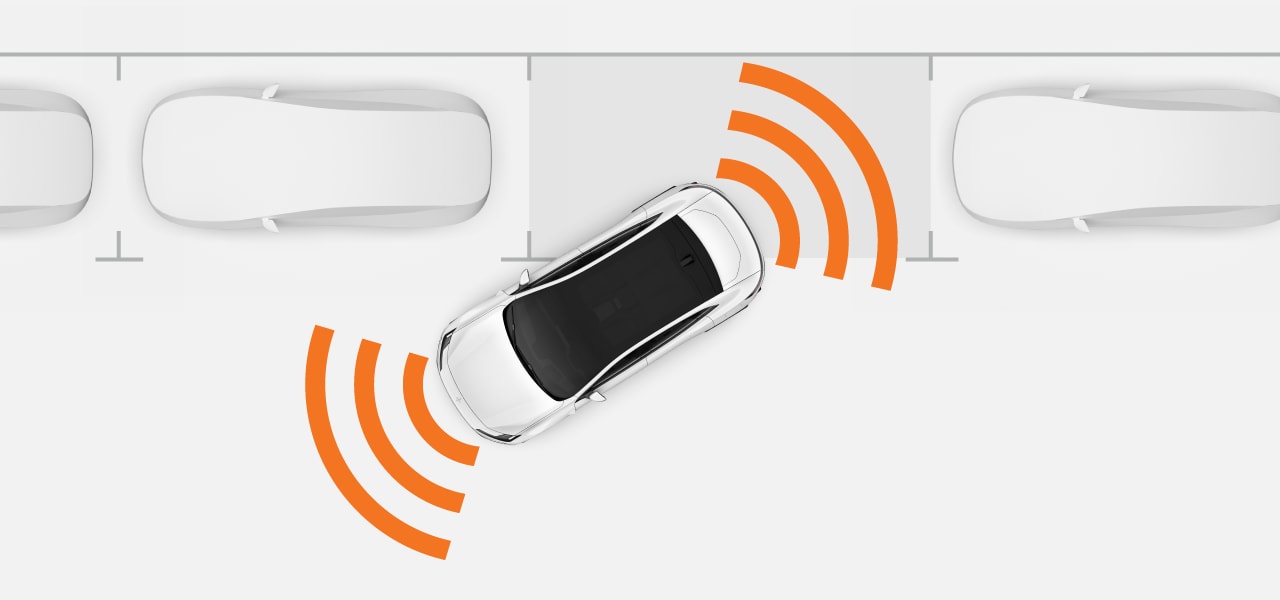
Your car's parking assistance features are available in the centre display's parking view. In most cases, it opens automatically when you need it, but it can also be opened manually in the centre display.
The following parking assistance features are available in the parking view:
| Distance and obstacle detection | The car's senses the surroundings using many different sensors. It uses this information to guide you with sound, graphics and warnings when driving at low speeds. |
| Parking camera views | The car shows your surroundings using cameras located around the car. |
| Automatic braking | The car can automatically brake to prevent a collision when reversing at low speeds. This can happen if the car detects an obstacle in your reversing path1 or traffic crossing behind it. |
Important
Required knowledge and driver responsibility
Assisted parking features are designed to make driving more comfortable and safer, but they do not reduce the need or responsibility of the driver to operate the car as safely as possible. Be sure to read all related information about a feature before using it. The section covering driver responsibility is essential reading for understanding the capabilities and limitations of your car's assisted driving features.
If you find anything unclear or have further questions, contact Polestar support.