
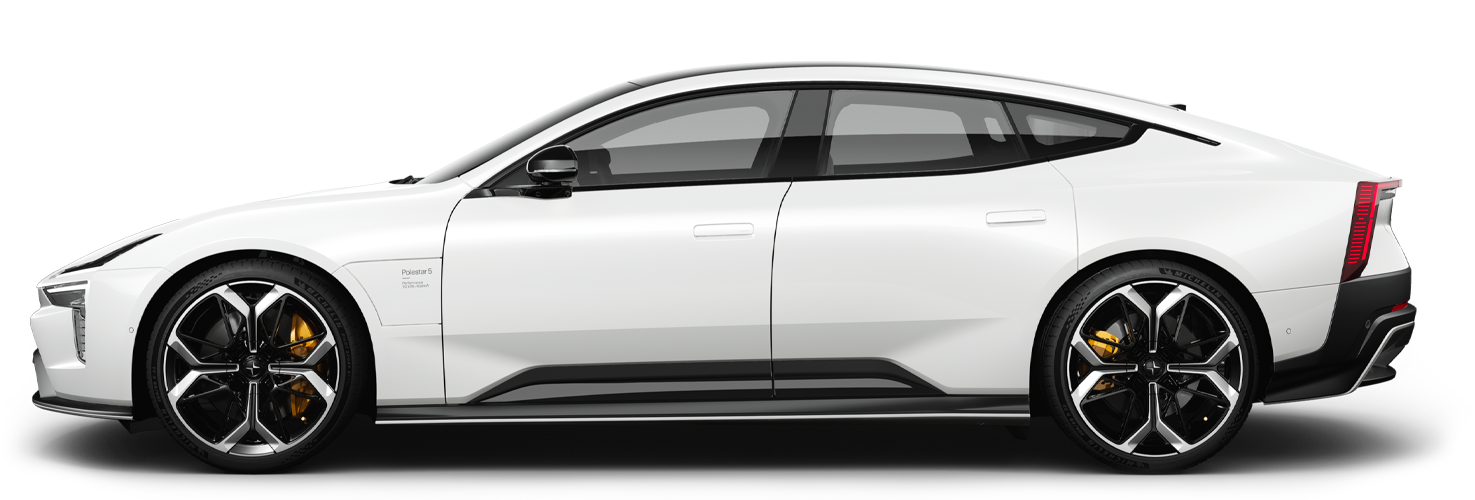
Symbols and messages for assistance upon risk of collision
A number of symbols and messages regarding assistance at risk of collision1 control can be shown in the driver display. Here are some examples.
| Symbol | Message | Specification |
|---|---|---|
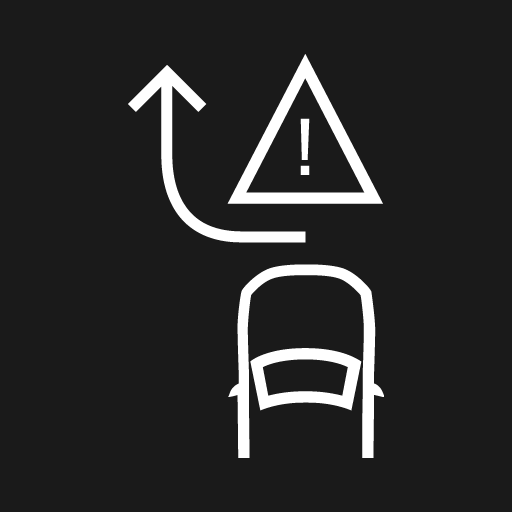 | Automatic intervention Collision Avoidance | When the function is activated, a message is shown to the driver indicating that the system has been activated. |
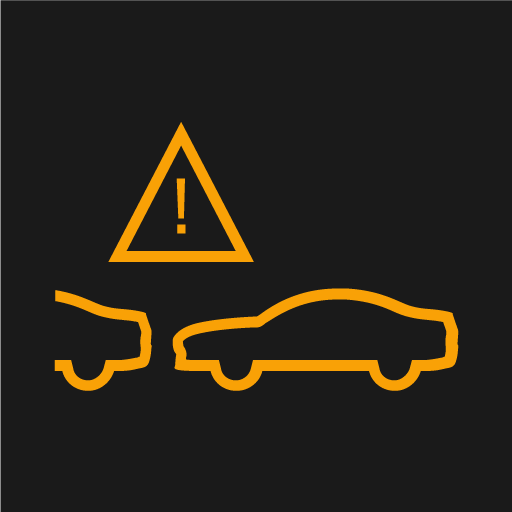 | Collision Avoidance system unavailable | The system is temporarily out of order or is working with reduced performance. |
| Collision Avoidance Reduced functionality Service required | The system does not function as it should. Contact a workshop. |
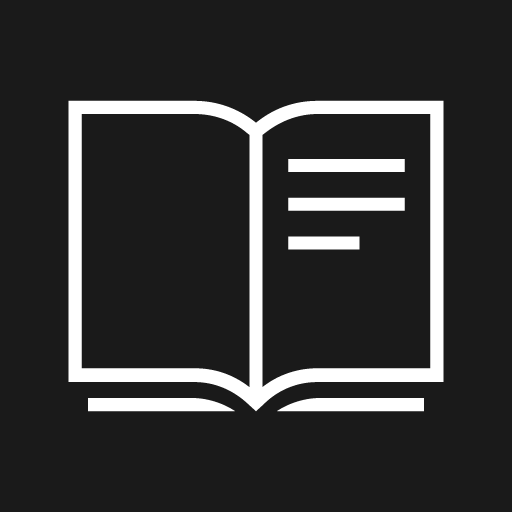 | Windscreen sensor blocked See Manual | The ability of the camera to scan the roadway in front of the car is reduced. |
A text message can be cleared by briefly pressing the  button, located in the centre of the steering wheel's right-hand keypad.
If a message is still shown, contact Polestar Customer Support.
