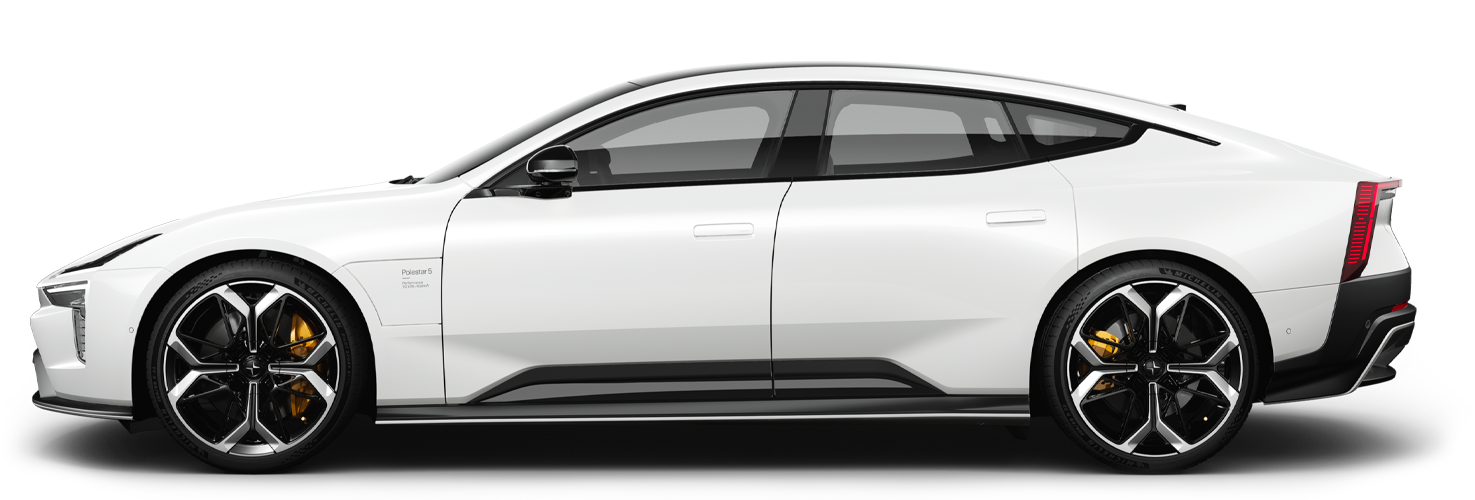
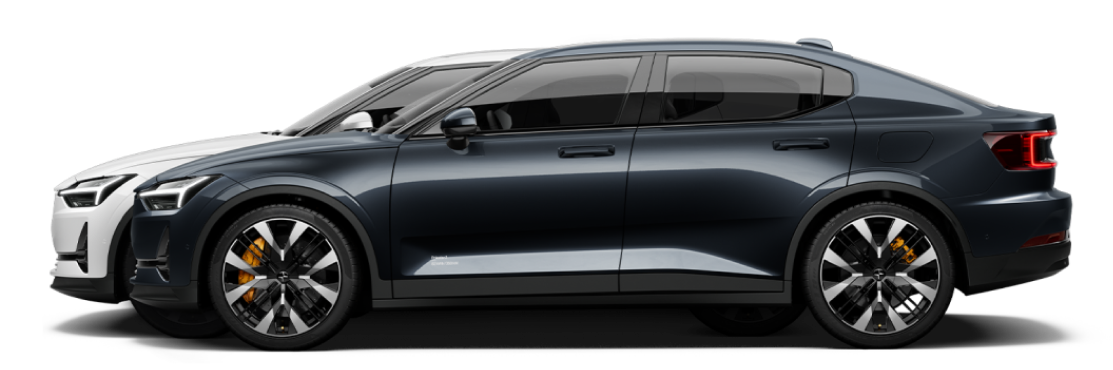
Polestar
Polestar 2
Polestar 4
Polestar 4 coupé
Manual
Video galleryDownloadsSoftware updates
    Driving support systemsDriver support safety check when startingWarnings from various driver support systemsSpeed-dependent steering forceDrive modes when using time interval to vehiclesIntelliSafe – driver support and safetyAuto braking after a collision

Activating or deactivating Driver Alert Control

The Driver Alert Control (DAC) function can be activated or deactivated.
Tap on Settings in the centre display's top view.
Select My Car → IntelliSafe → Driver Alert.
Select or deselect Alertness Warning to activate or deactivate the function.