Polestar
Polestar 2
Manual
Video gallerySoftware updates
    • Voice control with Google GeminiUse voice control
    Displays and controls on the driver's side in a left-hand drive vehicle

Voice control with Google Gemini

Google Gemini, which is integrated in the vehicle, makes it possible to use your voice to control a range of functions, e.g. the climate control system, Google Maps for navigation, the radio* and your phone.

What is Google Gemini?

Google Gemini is a digital assistant that makes it possible to use your voice to control various in-vehicle functions and get help with other things such as searching for information, weather forecasts, managing your Google Calendar, etc.

The Assistant understands natural speech, i.e., no knowledge of specific commands is needed to get the system to perform different tasks. Instead, the user can speak freely with the system, which will respond with answers to questions or will notify the user that it did not understand the instructions.
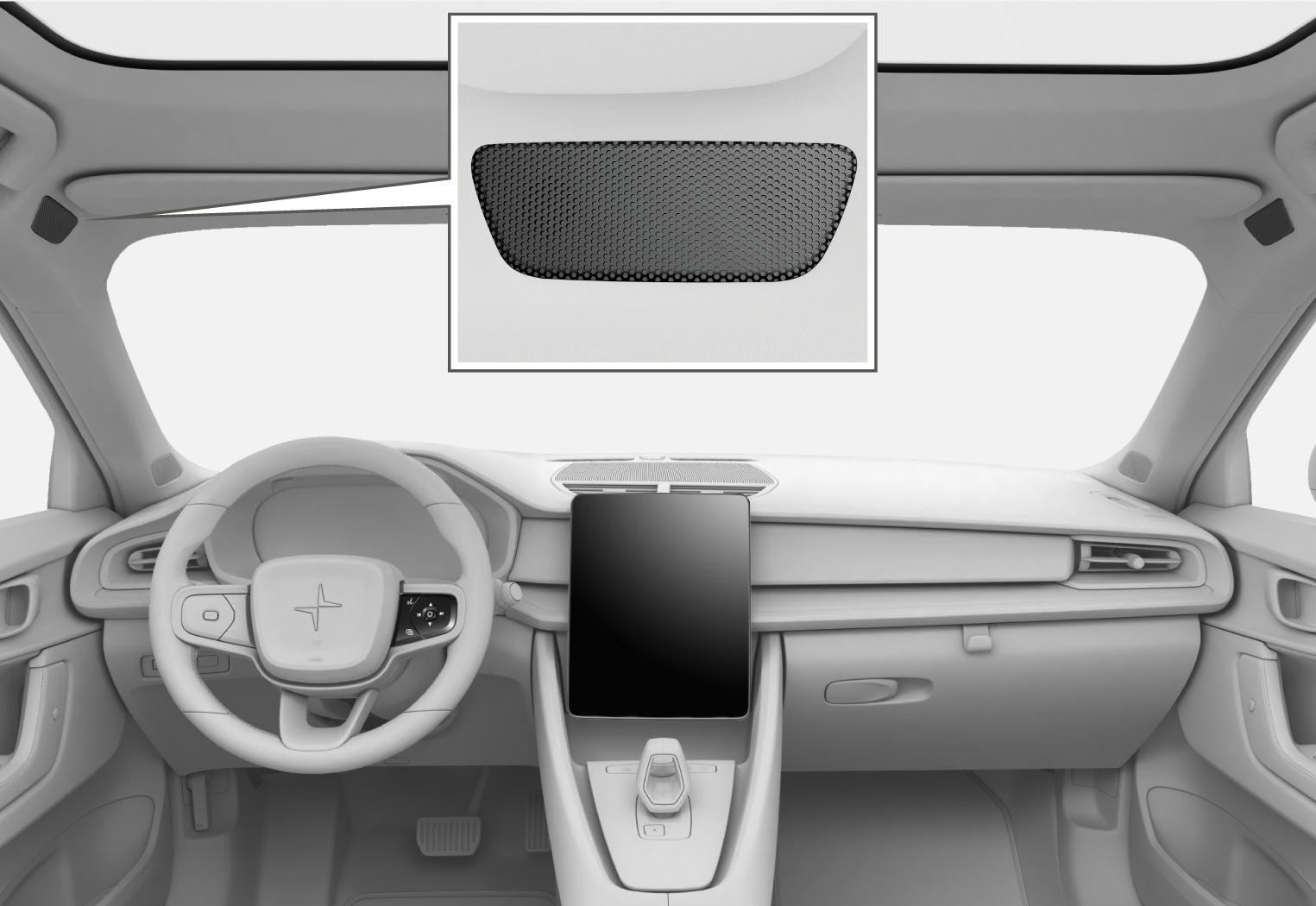
PS2-2007-Speech overview Google
Voice control microphone

Which areas can be controlled via Google Gemini?

In addition to asking the Assistant to search for information on Google, search for weather forecasts, or manage your Google Calendar1, you can also control a number of functions in the vehicle using your voice. These include:

  • media
  • FM radio*
  • phone and text messages2
  • navigation with Google Maps
  • climate.

 Note

Poor connection may restrict the number of functions available.

 Warning

The driver is always responsible for ensuring that the vehicle is operated in a safe manner and that all applicable traffic regulations are followed.
  1. * Option/accessory.
  2. 1 Requires Internet connection.
  3. 2 Dictating text messages is only possible for phones with Android or iOS 13 or later.