The Ultimate EV Handbook: Make the most of your digital assistant
With Google built-in, you can do so much more than simply navigate to that meeting or hunt for your favourite pop song. Turn the digital dial up a notch and learn how to control tech in the smart home or synchronise your busy diary with Polestar infotainment systems.

Picture the scene: you are driving home after a rough day, it is hammering it down with rain outside and all you want to do is get back to a toasty home and a long bath.
For most, this would involve crashing through the front door, hunting for the thermostat and waiting for the house to warm before even considering taking the winter coat off. But thanks to the Google-powered infotainment systems found in Polestar’s vehicles, it doesn’t have to be this way.
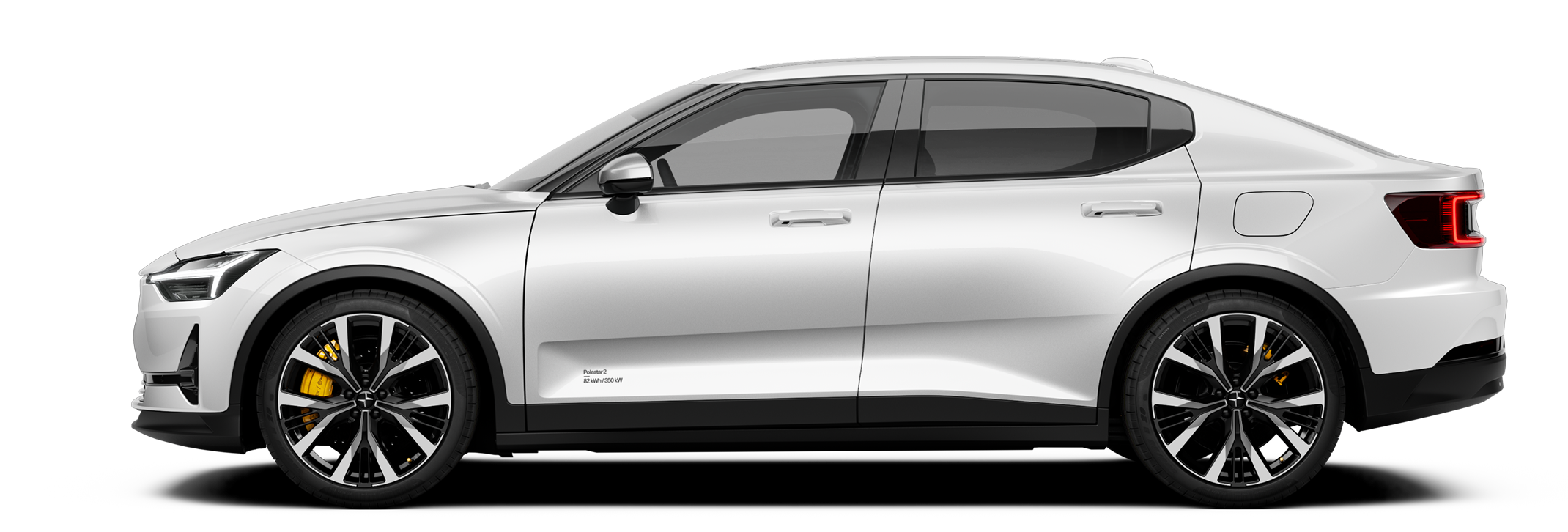
Polestar 2 arguably set the scene for the company’s digital ecosystem, debuting a native Android Automotive operating system (OS) that allowed the likes of Google Maps navigation, complete with real-time battery and charging information, as well as voice control with natural voice recognition via Google Assistant.
It allows drivers to control the music, change the climate settings within the vehicle and even check on the charge status with a few natural voice prompts. However, it’s also possible to go beyond the car and start taking control of the home… and even your life.

Power to the people
To get the most out of Polestar’s infotainment systems, it requires logging in to a Google account. The Polestar 2, 3 and 4 can remember the preferred settings for up to six drivers, each able to access their own Google accounts.
This means that the vehicle is set up to specific user preferences (seat position, drive settings, and even favourite playlists are readied upon unlocking, while also displaying your favourite apps and playlists
However, adding a Polestar to Google Home, via your Google account, then allows any synchronised smart devices to be controlled from anywhere. Got a smart thermostat? Set that sucker to exactly the right temperature so it’s toasty when you walk through the door.
Perhaps you have smart lighting systems? You’ll be able to set things up to illuminate as your Polestar enters a specific geo-fenced area, such as a driveway or garage.

App happy
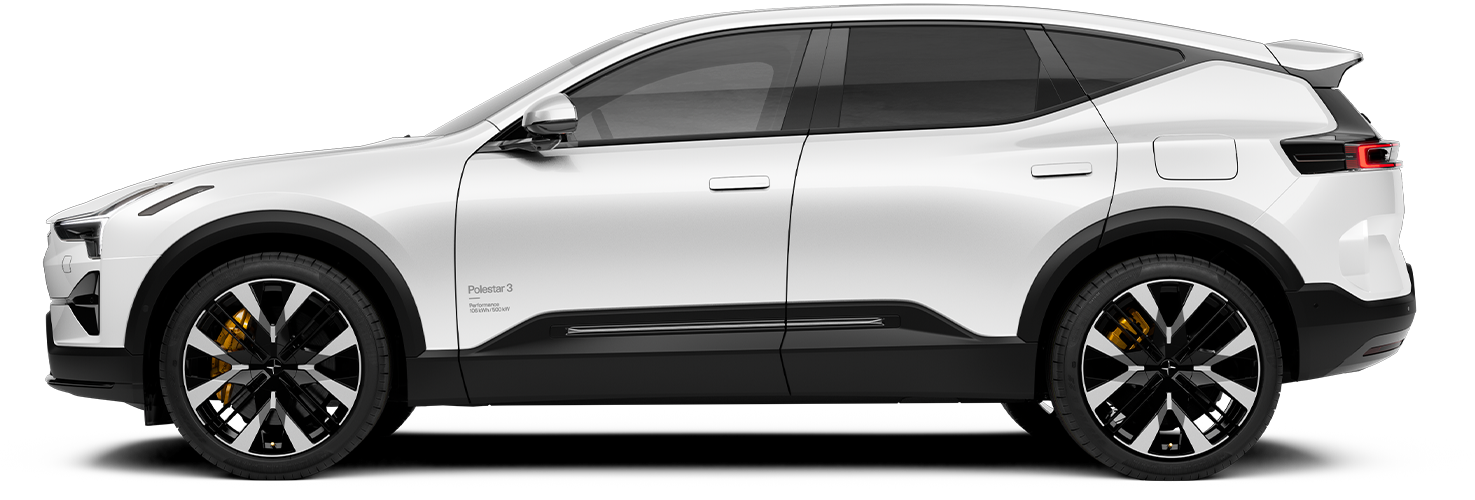
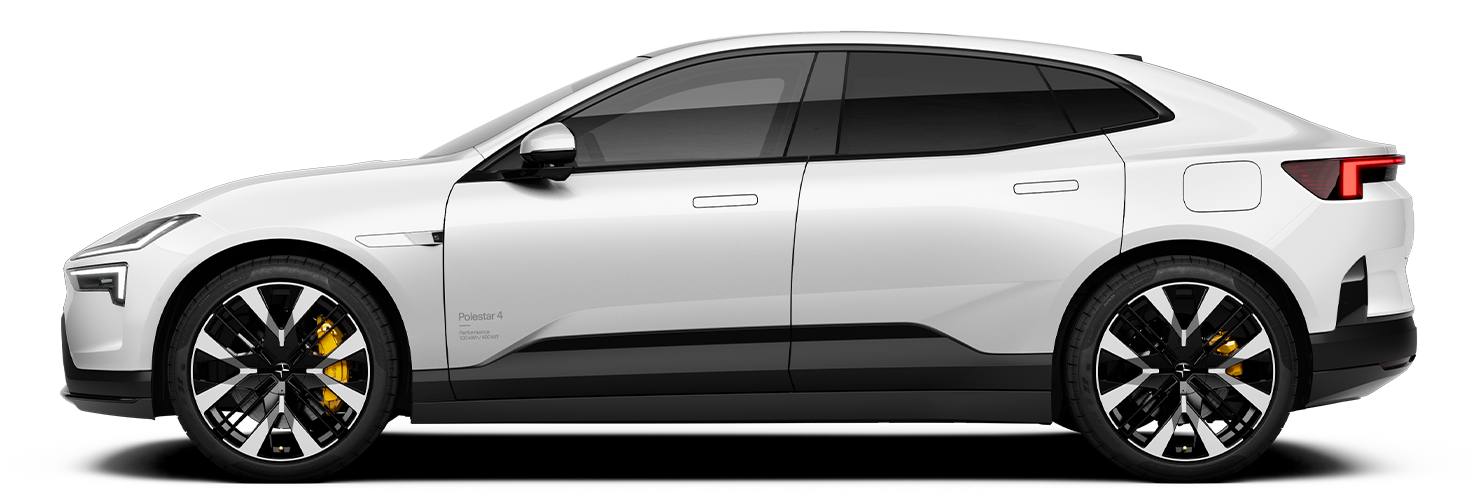
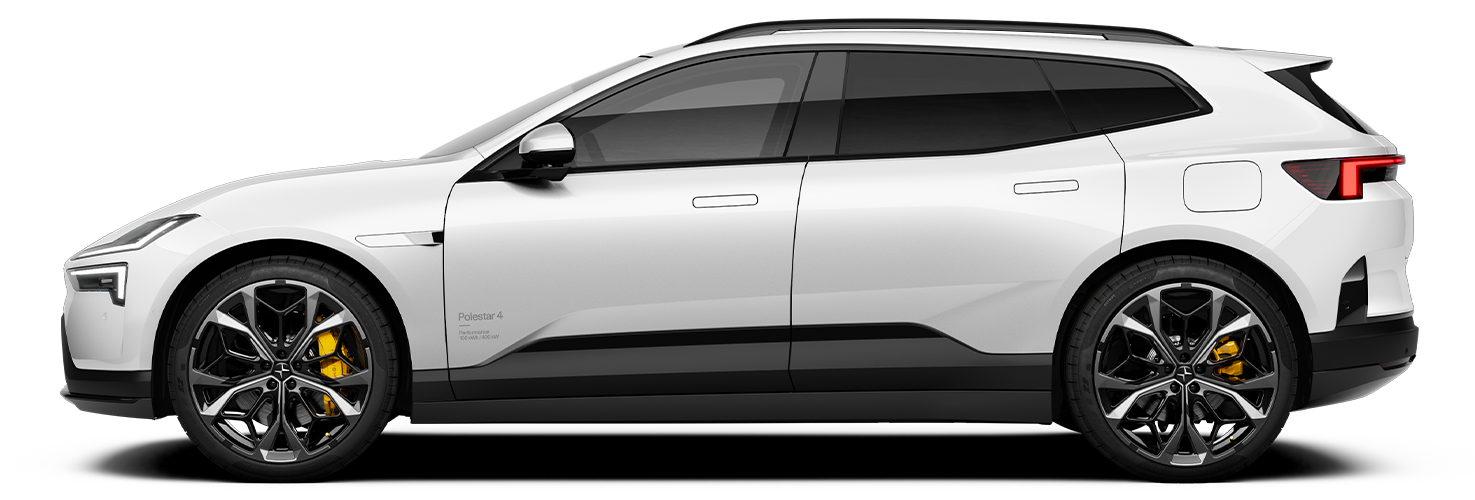
With 4G (Polestar 2) and 5G (Polestar 3 and Polestar 4) internet coming as standard on Polestar cars, the infotainment system is constantly connected, giving access to the web (so your voice assistant can do his or her magic), as well as allowing high-quality audio and video streaming where the situation permits.
But think of the Polestar infotainment system as an extension of your digital world, with the ability to access the Google Play app store and download software that makes life on the road easier and a little bit more enjoyable.
Spotify, Tidal, and SoundCloud can take care of the music playlists, while Amazon Prime Video, YouTube, HBO Max and more allow for top quality video streaming when the vehicle is parked - perfect for killing time while waiting for a charge. What’s more, the system can also offer a selection of games and productivity enhancing apps, such as the Google Chrome web browser.
Zoom has also recently launched on Android smartphones running Android Auto (available soon in Polestar 2), but will also be available natively on the Polestar system soon, making it simple to participate in important work calls or meetings when parked or on the move via hands-free calling.
With all this talk of Android, it is easy for iPhone users to feel like they are being left behind, but Polestar infotainment systems also support Apple CarPlay. This allows the mirroring of many Apple iOS apps on the large touchscreen displays found inside the cars, meaning iPhone users get to have as much fun with the in-car system as everyone else.
Regardless, Apple users can still make the most of the native Android Automotive software, which interacts with the vehicle’s systems to unlock more features, by simply setting up or logging in to a Google account.

Better connected
A great example of the enhanced driving experience is the fact that Google Maps will take into account remaining battery charge and will suggest charging stops along the route if necessary.
Alternatively, it can quickly route to a charging outlet if it feels the remaining battery level is too low to complete the journey.
With 4G and 5G connectivity is built in to all Polestars, the onboard infotainment systems and the vehicle itself get better over time. Often referred to as over-the-air updates, these software packages are sent to the vehicle and it will automatically update.
This unlocks the potential to upgrade the car’s features - or even unlock greater performance - without the need to visit a local service point or dealers.
Rather than a car getting worse with age, as we’ve historically experienced with internal combustion engine vehicles, all Polestar’s EVs have the potential to improve and offer more as the years tick by and life speeds on.
Find out how you can stay connected in your Polestar 2, Polestar 3, and Polestar 4.


